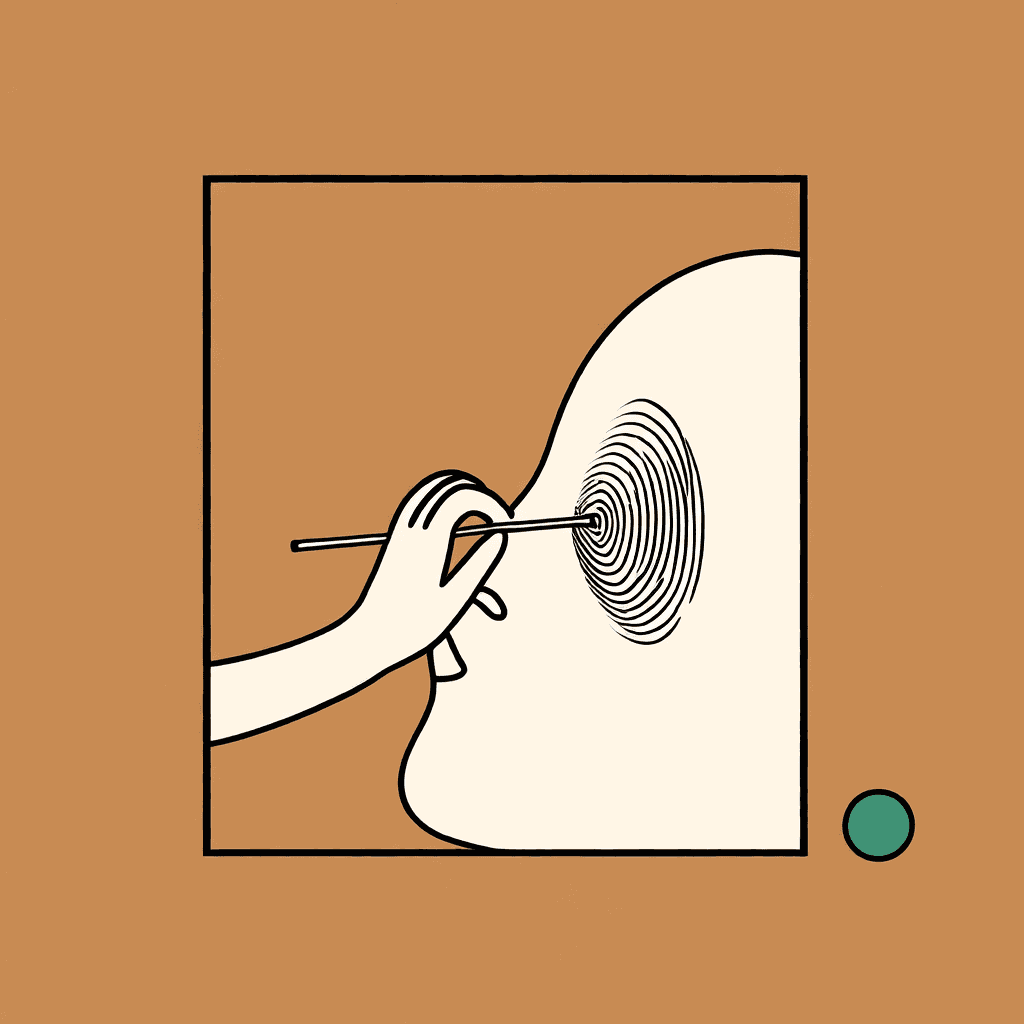
How to Clone Your Voice with AI: A Beginner's Step-by-Step (2026)
Learn how to clone your own voice with AI in minutes — what audio you need, how the cloning works, which settings matter, and how to use cloned voices commercially in 2026.
Voice cloning used to require studio recordings and hours of training. In 2026, you can clone your own voice from a 3-second clip — no microphone setup, no software install, no technical skills. Here's exactly how to do it, step by step.
What you need before you start
- A clean audio sample — 3 seconds is enough with modern tools; 30 seconds gives even better fidelity. Record in a quiet room on any phone.
- Your consent (and only yours) — cloning your own voice is always fine. Cloning anyone else's voice requires their written permission.
- A tool with clear licensing — if you plan to monetize, make sure your plan includes commercial rights.
Step 1: Record a clean sample
Speak naturally for 30–60 seconds. Avoid background noise, music, and echo. Read anything — a script, a page from a book, or just talk. The key is consistent, close-mic audio with no distractions.
Step 2: Upload and clone
In Sonicker, open Voice Cloning, upload your sample, and hit generate. The engine extracts your vocal identity — pitch, timbre, rhythm, accent — and creates a cloned voice you can reuse instantly.
Step 3: Generate your first script
Type any text and generate. The cloned voice reads it back with your natural delivery. Test with short sentences first, then move to longer scripts.
Step 4: Fine-tune the delivery
Modern cloning lets you steer delivery with style instructions — "calm and slow," "energetic and upbeat," "serious documentary tone." Describe how you want it to sound in your own words.
Step 5: Export and use
Download the audio and use it in videos, podcasts, ads, or narration. If the content is monetized, confirm your plan includes commercial rights — Sonicker Pro does, at $19.90/mo.
Common mistakes to avoid
- Noisy samples — background hum gets cloned into every generation.
- Reading too flat — a little natural emotion in the sample carries over.
- Skipping disclosure — if the voice is realistic and it's not clearly you speaking to your audience, label the content as AI. See our guide on labeling AI voice content.
What makes a clone sound real?
Three things matter most: sample quality (clean > long), voice consistency (same voice, same room), and style guidance (telling the model how to speak). A 10-second clean clip with a style instruction usually beats a 5-minute noisy recording.
FAQ
How much audio do I need to clone my voice? 3 seconds is the minimum with Sonicker. 30–60 seconds of clean audio gives the most natural results.
Is voice cloning free? Sonicker offers a free tier where you can try voice cloning. Paid plans add more credits and commercial rights.
Can I clone my voice for YouTube videos? Yes — and it's one of the most common uses. Clone your voice once, then generate unlimited narration without recording sessions. Label the content as AI for transparency.
Is it legal to clone my own voice? Yes. Your own voice is yours. For anyone else's voice, you need their written permission — see our ethics guide for the details.
Ready to try it? Clone your voice in 3 seconds — free tier, no credit card required.
더 많은 게시글
Inside Sonicker's Voice Engine: How Our AI Voices Are Made
How modern AI voice engines work — from neural synthesis to voice cloning and voice design — and what actually determines voice quality, speed, and naturalness.


Sonicker Now Speaks 13 Languages: Deutsch & Italiano Join the Studio
Sonicker's voice cloning, voice design, and text-to-speech now support German and Italian — bringing the platform to 13 languages with fully localized interfaces.
How to Describe a Sound Effect in Writing (and Generate It with AI)
A practical guide to writing sound effect prompts that AI actually gets right — with formulas and examples for alarms, impacts, UI sounds, ambience, and more.